Your Sitemap Isn’t Your Google Ads Checklist
If you’ve ever opened Google Ads or Tag Assistant and seen something like “only X of Y pages are tagged,” you’re not alone. It looks alarming—especially when your sitemap shows 150 or 180 URLs and the tagged list looks tiny next to it.
Here’s the peace-of-mind version: that warning is often fine.
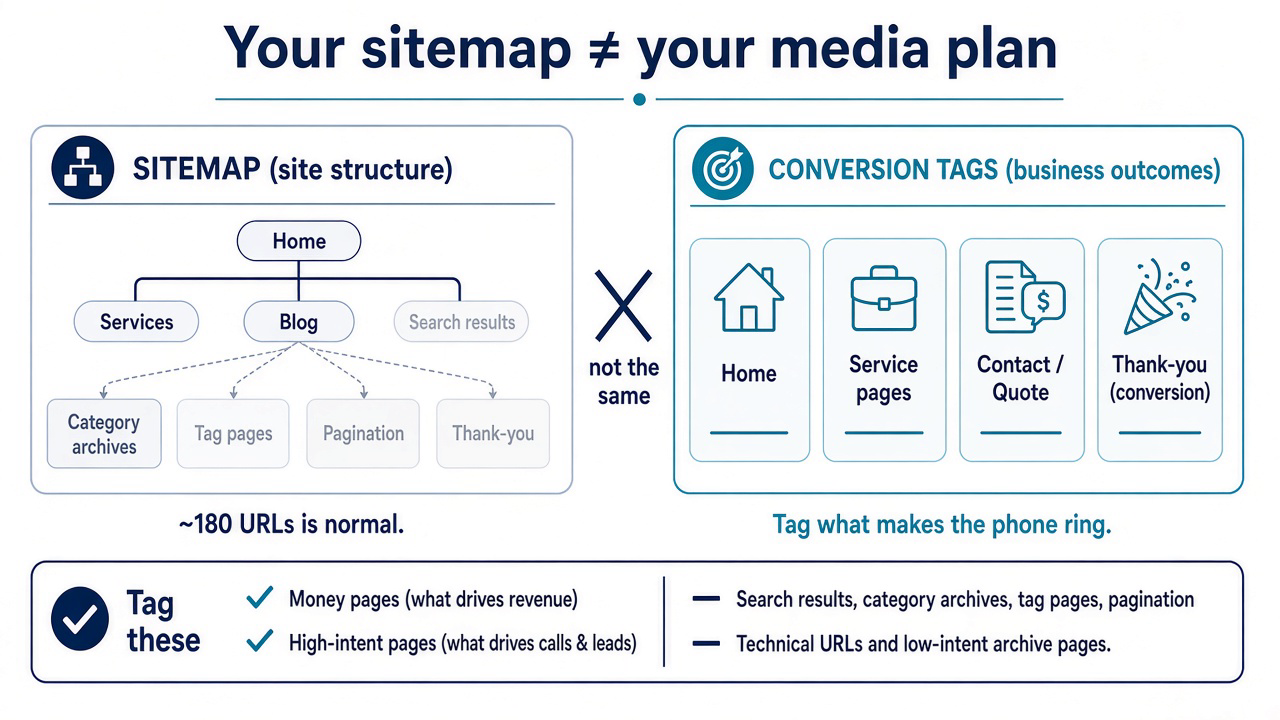
A sitemap is a map of how your website is organized. Conversion tags are a map of what makes the phone ring or the form submit. Those are two different jobs. Treating every URL like a money page is how reporting gets noisy and budgets get wasted.
Your sitemap isn’t your media plan
Think of it this way:
- Sitemap = every public room in the building (including closets and hallways)
- Conversion tags = the rooms where customers actually buy or book
You want the building labeled. You don’t put a cash register in every closet.
What those “extra” pages usually are
On a healthy service-business site, a big chunk of the URL list is organizational—built so people (and Google) can browse content, not so someone fills out a quote form.
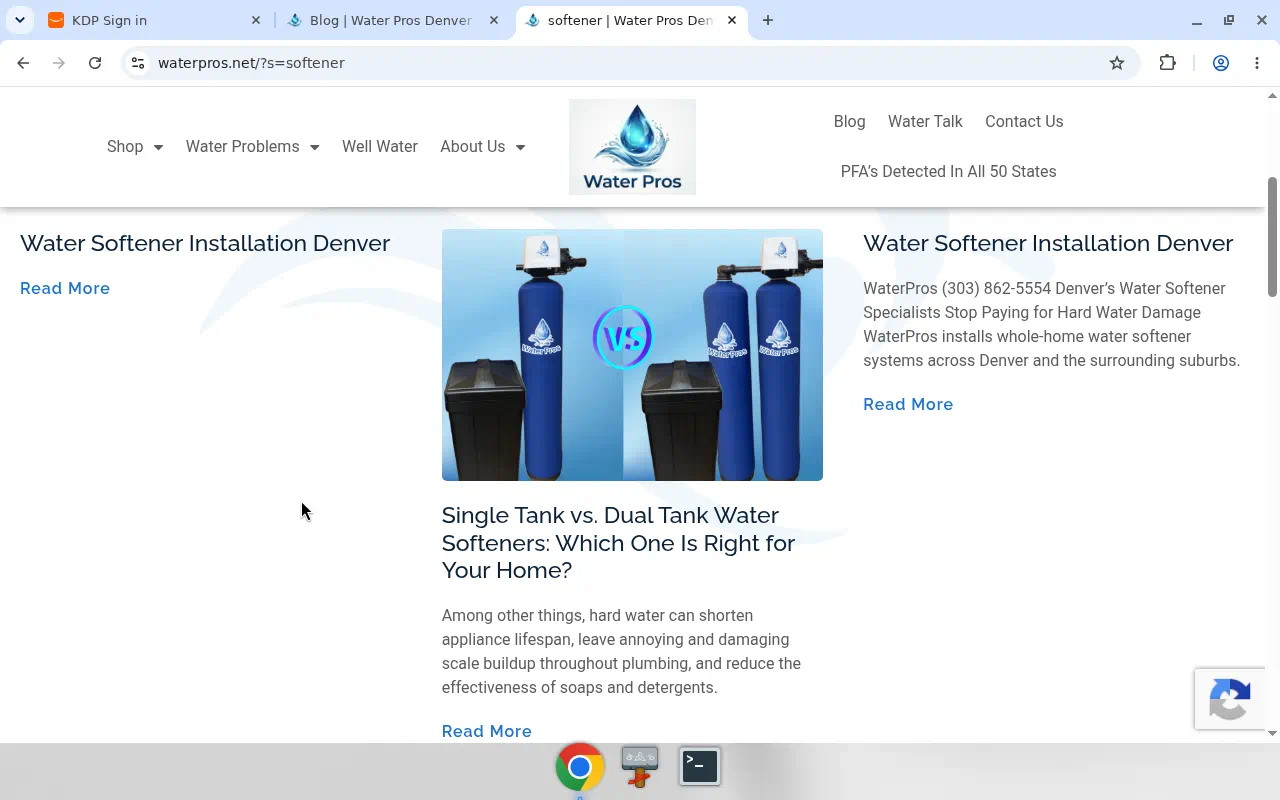
A clear example: a site search or archive listing—a page that dumps matching posts in a grid. Super useful for finding articles. Terrible place to judge “did our ads work?”
Same family of pages:
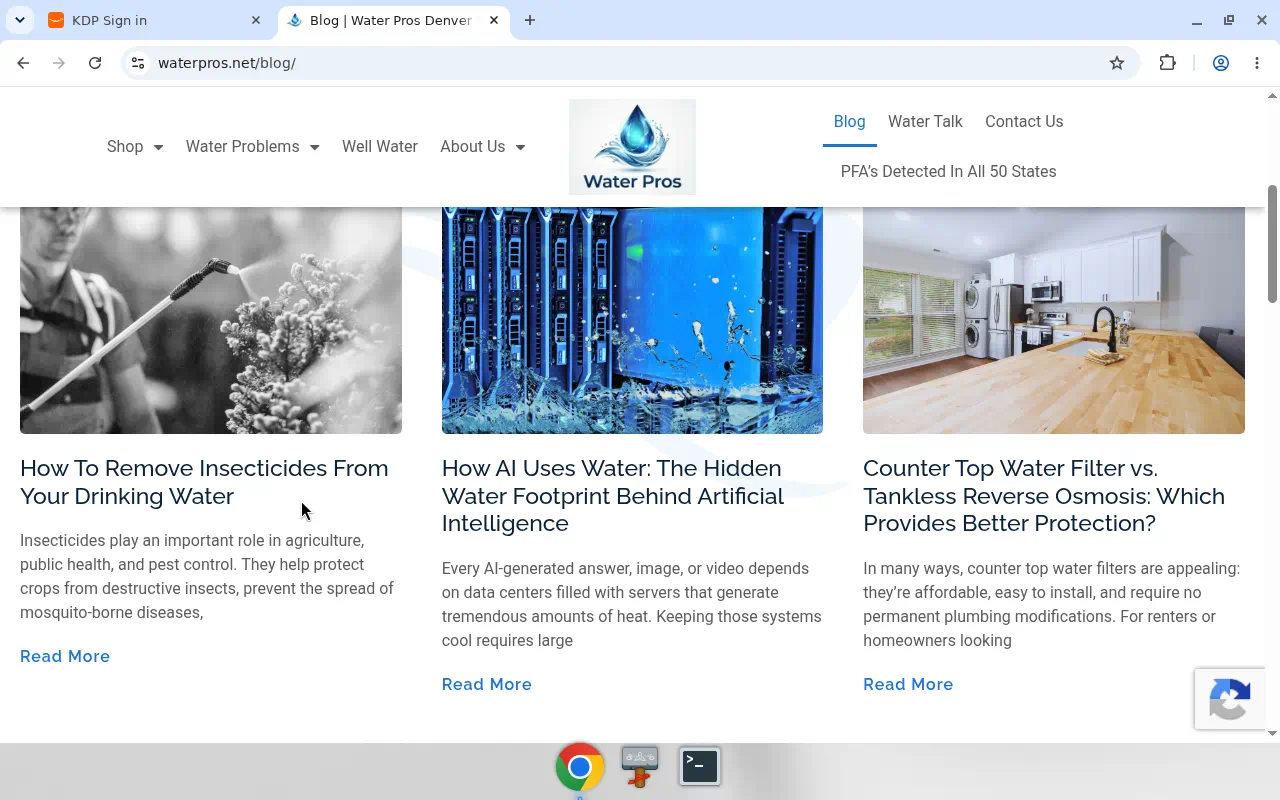
- Blog category and tag archives
- “Page 2 / page 3” of results
- Internal search (
?s=…) - Other utility URLs that exist for structure, not sales
It’s still okay to have your basic site analytics on the whole site. What you usually don’t need is treating every one of those URLs like a Google Ads conversion destination.
So what should get conversion tags?
Keep the list short and honest:
Tag for conversions
- Home (when it drives calls/forms)
- Main service pages
- Contact / quote / booking
- Thank-you / confirmation page (this is often the cleanest conversion hit)
Track as content (optional / lighter)
- Individual blog posts and guides that educate and feed leads over time
Don’t lose sleep over
- Search results, categories, tags, pagination, and other “directory” views
If Ads says 40 of 180 pages have the conversion setup, that can mean your tracking is focused—not broken.
A 10-minute check you can run today
- Pull your sitemap (or a URL export).
- Highlight every page that can produce a lead or sale.
- Confirm those fire the right events (form submit, call click, thank-you).
- Park the rest as content or utility.
- Stop calling utility gaps a “tagging failure.”
When the thank-you page fires and the quote form fires, you’re measuring the business. The archive that lists softener articles doesn’t need to pretend it’s a form.
Why this helps your Ads (and your sanity)
- Cleaner conversions → smarter bidding
- Less junk in the numbers
- Faster QA—you’re reviewing a handful of pages, not 180
- Clearer conversations: “tagged” means outcomes, not URL count
Want us to map yours?
We’ll sort your URLs into money / content / utility, show you what Google Ads should care about, and leave you with a simple tag plan your team can follow.
Book a free 20-minute sitemap checkup
Or run the free site checkup. No email required.